UX Process
How to do it the Right Way
How to do it the Right Way
methodology




Role: Director of UX/UI
In November 2021, I joined Fisker Inc. under the leadership of Todd Omotani and Henrik Fisker to lead the User Experience team as Design Director. Starting with a small, dedicated team of three, we have grown into a dynamic team of nearly 50 design experts. Our team spans across UX, visual design, research, motion graphics, 3D modeling, sound design, content production, and editorial work. Together, we are passionately tackling the exciting task of crafting the human-machine interface (HMI) for Fisker's innovative product line.
At HEX, our design ethos revolves around dynamic cross-functional collaboration. Our team seamlessly integrates with colleagues spanning vehicle product development, exterior and interior design, engineering, color, materials, finish (CMF), electrical systems, Advanced Driver-Assistance Systems (ADAS), and infotainment software development. This comprehensive approach ensures that every detail of the user experience reflects the essence of Fisker, resulting in a seamless and captivating interface at every touchpoint.
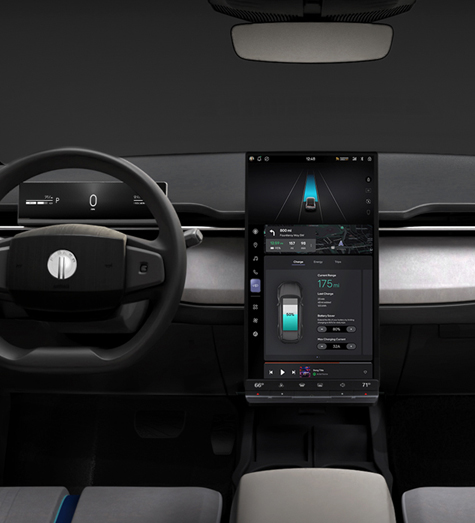
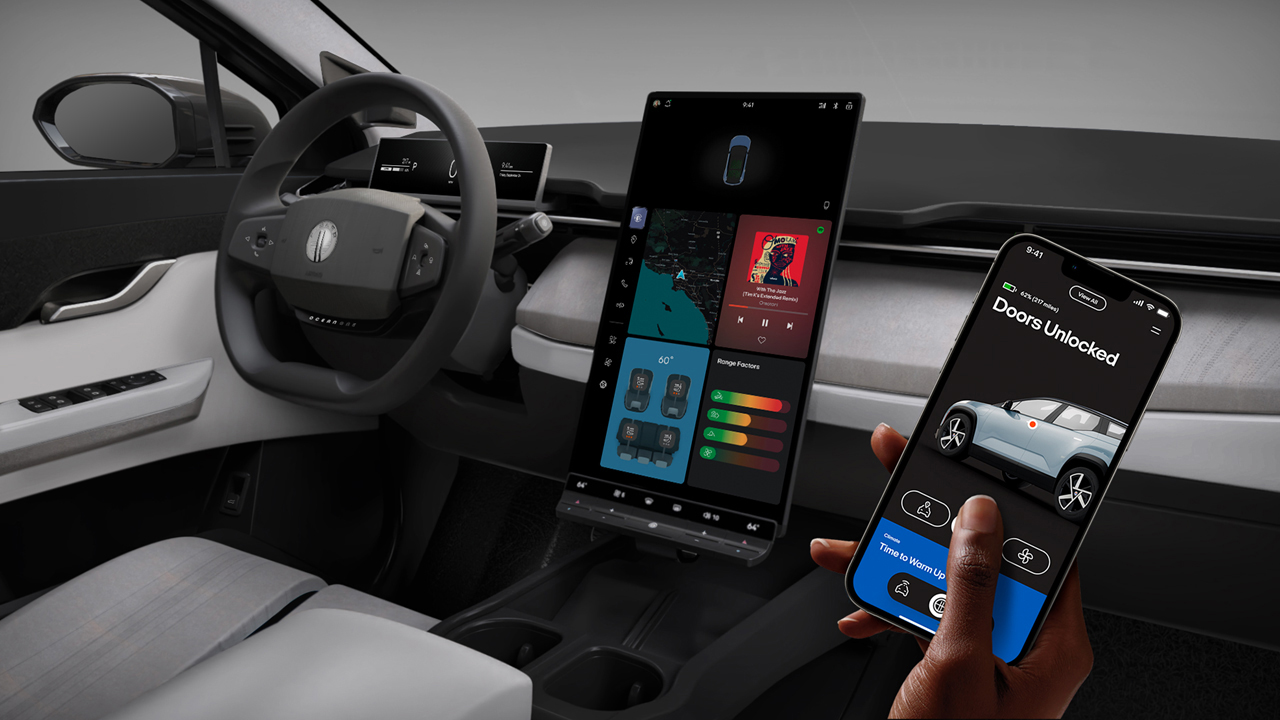
The Fisker OCEAN features a rotational CID, allowing the screen to stay vertical while driving and shift to horizontal when parked, providing a full, immersive entertainment experience.

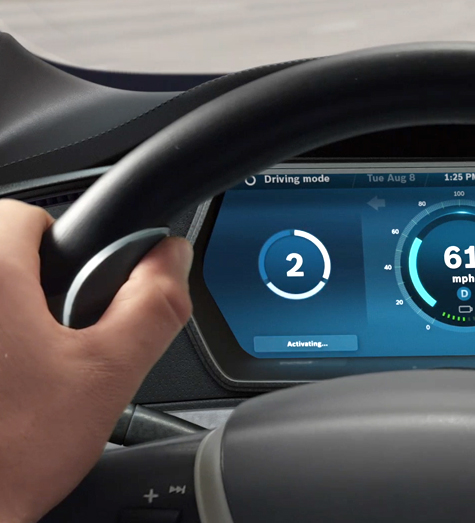
The Fisker Ocean showcases a sleek, slim instrument cluster display strategically positioned directly in front of the driver. This cluster is designed to prioritize and present essential information for electric vehicle drivers, with a strong emphasis on energy consumption and the vehicle's charge status—critical elements for optimizing efficiency.
To enhance clarity and usability, we divided the instrument cluster into three distinct sections: The left area features media content. In the center, vital vehicle indicators are prominently displayed, ensuring essential driving information is always easily accessible. On the right side, navigation details are presented, aiding drivers in maintaining their route with minimal distraction. This thoughtful arrangement guarantees that drivers can quickly access all necessary information, seamlessly blending functionality with innovative design to elevate the driving experience.
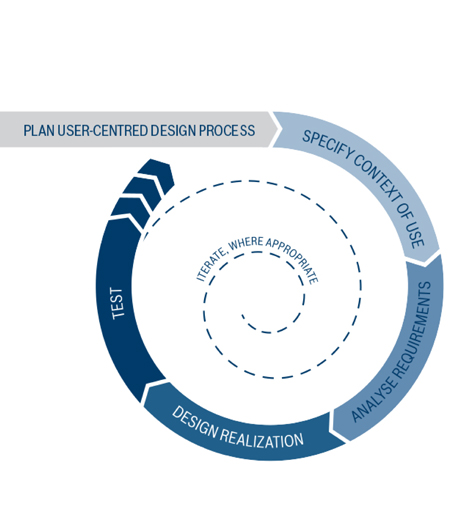
Our goal was to create an experience that was intuitive, secure, and aligned with our company's design ethos and vision. In a world where smartphones are an extension of ourselves, it became evident that our design should resonate with the familiar and contemporary language of everyday technology. Collaborating with exceptionally skilled designers, we led our team through a human-centered design journey. This method enabled us to precisely identify what our customers needed for a driving experience that is not only safe and convenient, but also thoroughly enjoyable.
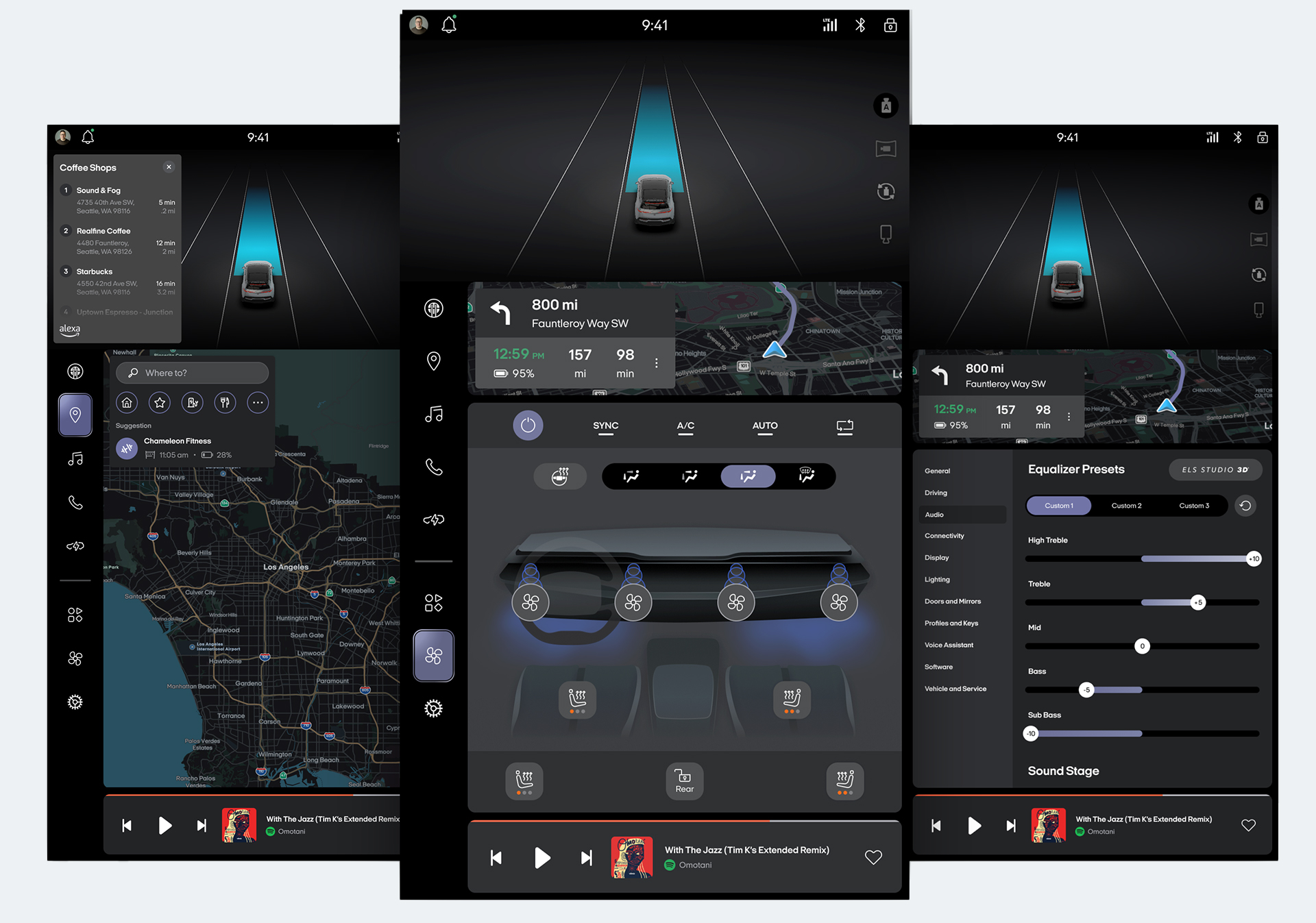
In our design, these priorities are prominently featured on the screen. The left side of the vertical display features a sleek strip housing primary navigation buttons for intuitive interaction, complemented by a slender top bar for quick access to essentials such as notifications and device connections. The upper third of the screen highlights ADAS in a real-time 3D 'virtual view,' directing the driver's focus to critical areas. The central section is dedicated to immersive experiences, encompassing mapping, music streaming, climate control, and settings adjustments. Finally, an elegant bottom strip is reserved for seamless media control, ensuring effortless audio management.
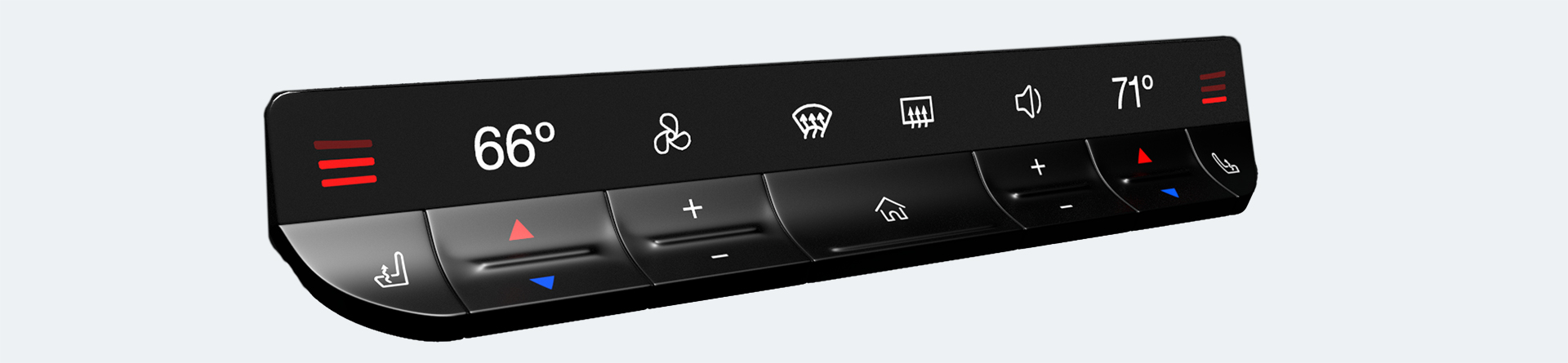
Beneath the Center Touch Screen, you'll discover the floating Button Bar. Designed with practicality at its core, it integrates physical controls for adjusting cabin temperature, fan speed, and music volume safely while keeping eyes on the road. At its center lies a home button, strategically positioned for drivers to easily navigate back to the main screen, no matter how deeply they are engaged in menus. Moreover, this button serves a dual function: when held down while parked, it conveniently rotates the screen.
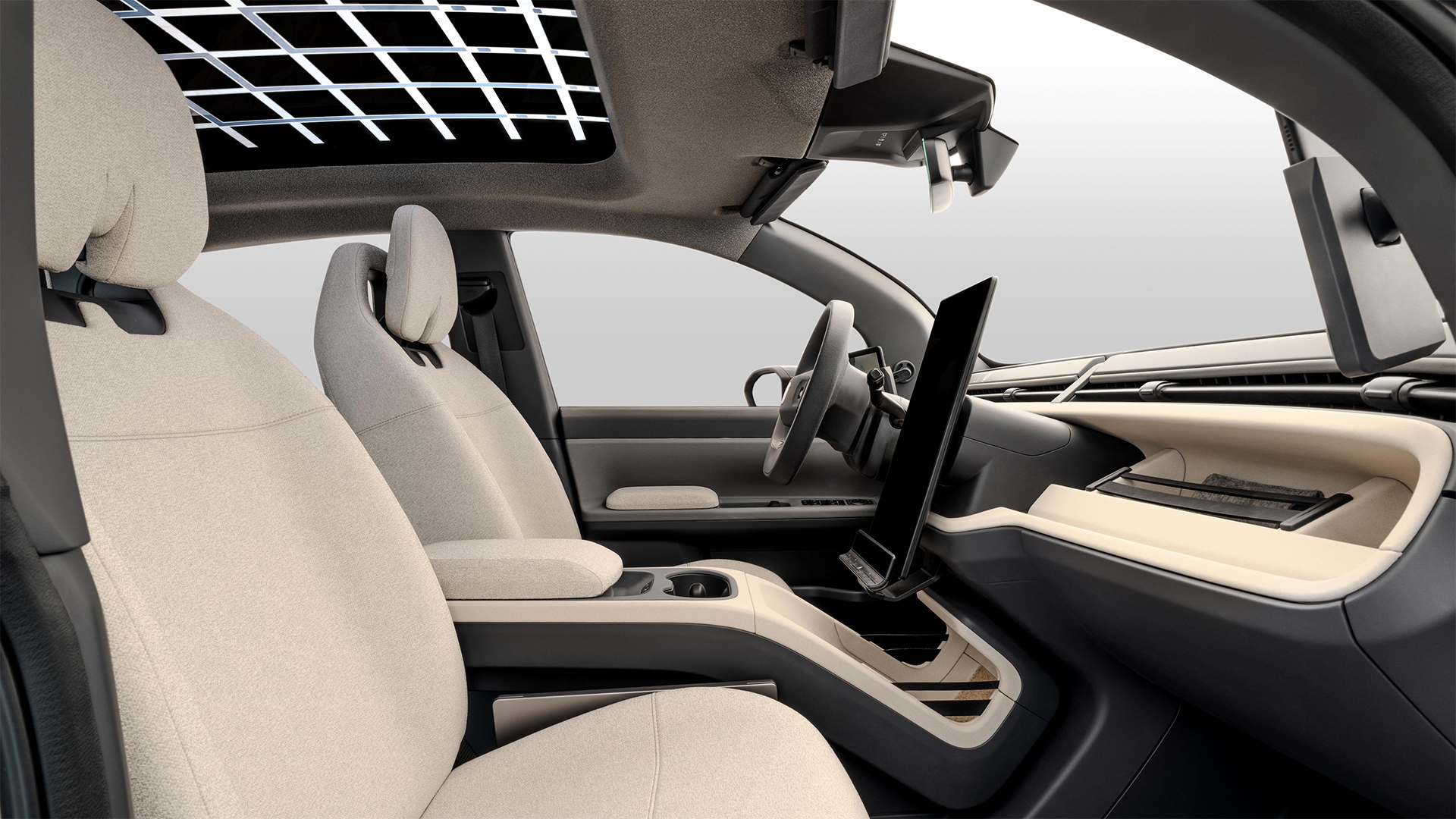
Fisker's proprietary BLADE computer, featuring centralized processing and enhanced computing power, has redefined possibilities by pushing the boundaries of real-time graphics and interactions. Tasked with redesigning Fisker's existing infotainment experience from both visual design and user experience perspectives, we harnessed the capabilities of this new computer to elevate the driving experience. Enhanced graphics capabilities enabled a layered hierarchy layout approach, facilitating the presentation of varying levels of information and essential interaction points crucial to drivers.
This advancement resulted in a more intuitive and user-friendly interface, significantly enhancing the overall driving experience in Fisker vehicles. The BLADE computer architecture debuted alongside the Fisker PEAR, introducing a new User Interface.
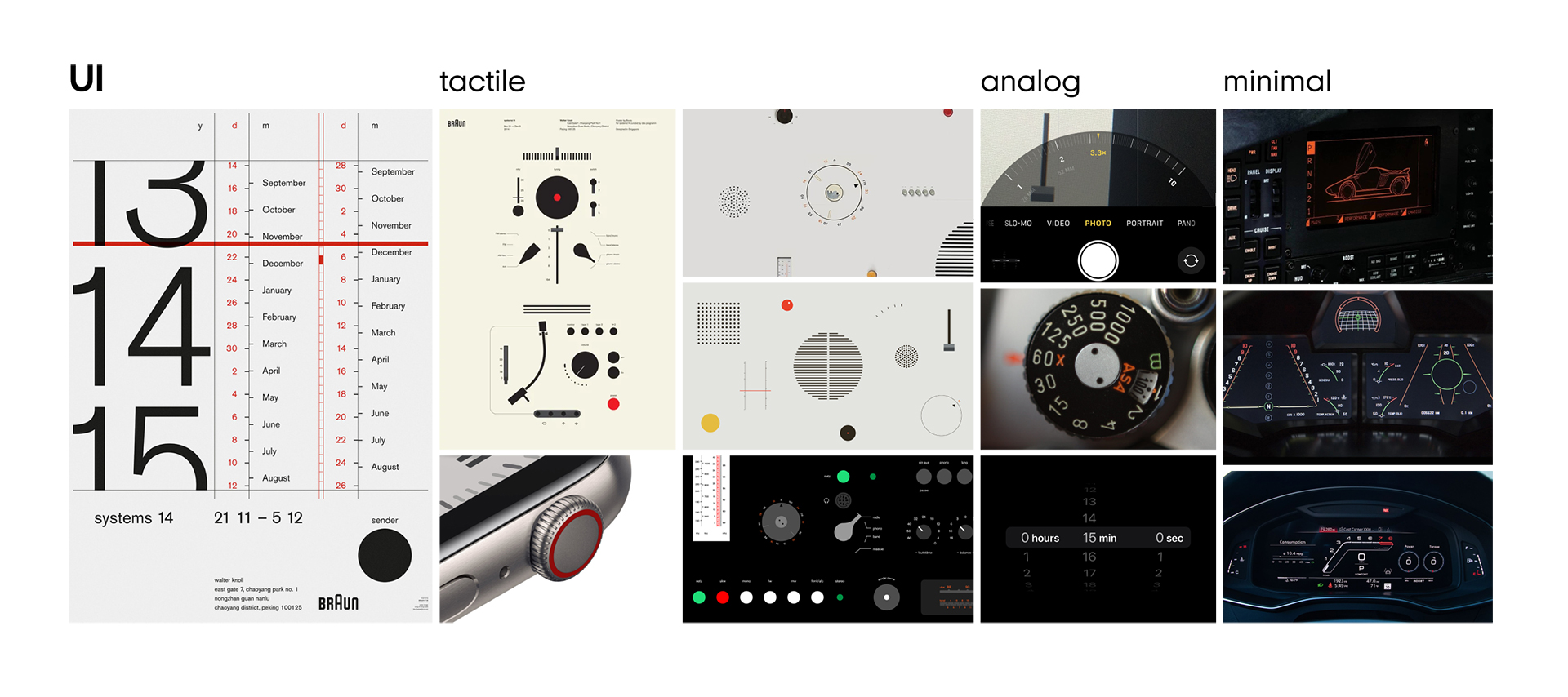
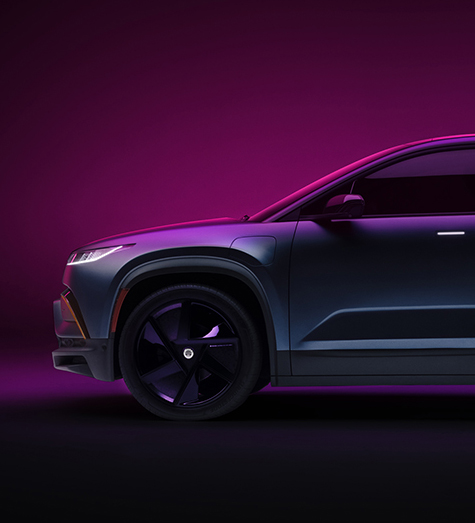
A primary objective of this project was to harmonize the visual aesthetics of the software interface with the vehicle's hardware components. We achieved this by closely collaborating with the Exterior and CMF Design teams to develop a digital system that seamlessly integrates with the overall vehicle design.
For PEAR, our focus was on crafting a tactile and minimalist user interface that embodies a technology-forward ethos. This involved creating an intuitive user experience enhanced by high-fidelity rendering capabilities.
To enhance clarity and streamline access to essential functions on the Center Information Display (CID), we structured main components into three tiers: map, content, and control panels. The foundational layer of the screen prioritizes the map, ensuring easy accessibility and persistent display that adjusts dynamically based on the size of the content layer above. The content area functions as a non-persistent panel, providing supplementary information that doesn't interfere with critical driving tasks. At the top layer, persistent control elements are strategically placed to promote intuitive interaction and facilitate muscle memory.
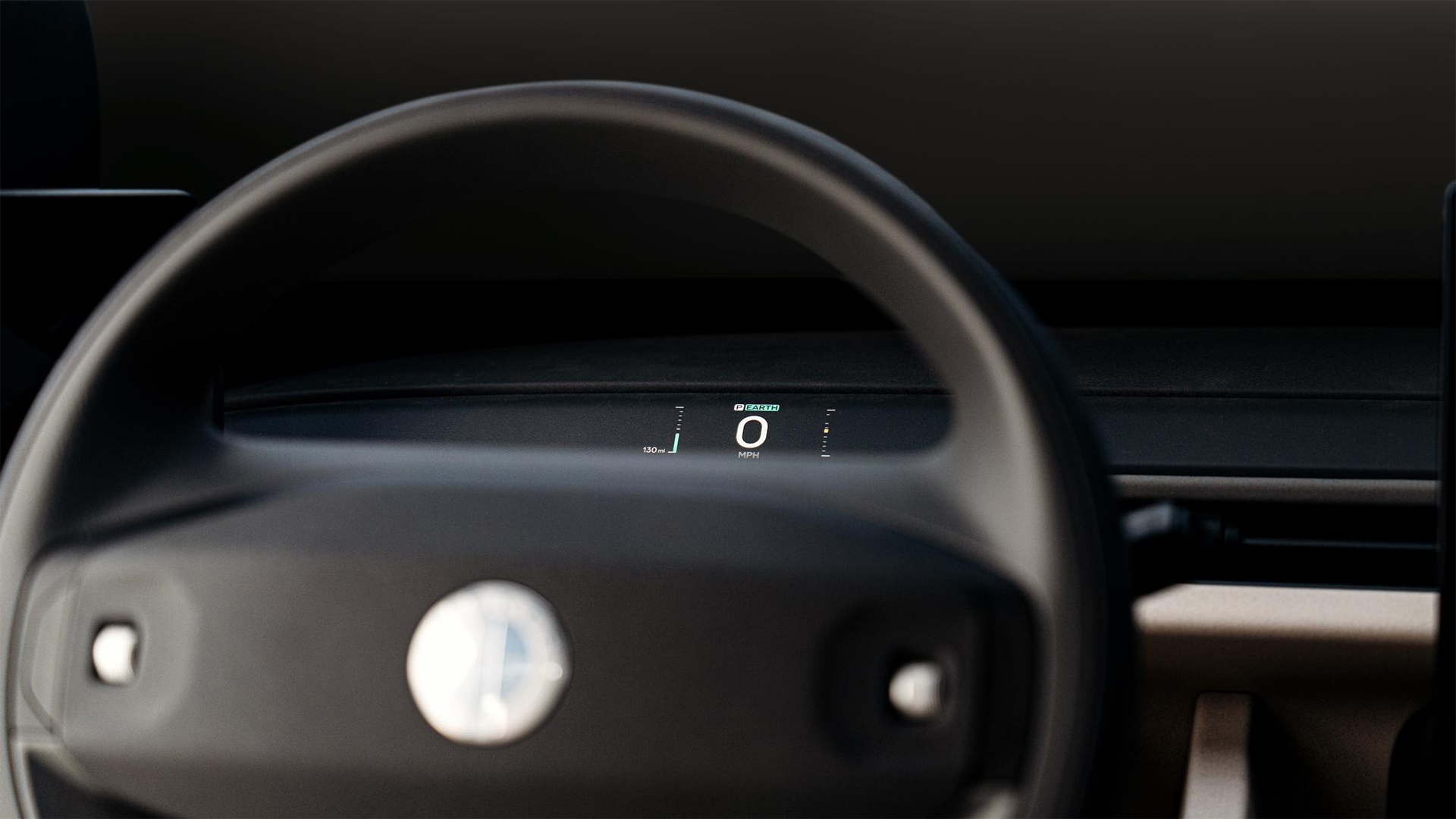
In partnership with the Interior Design team, PEAR seamlessly integrated a hidden instrument cluster behind the fabric surface of the Instrument Panel. This innovative design approach enables the display of essential information—such as speed, state of charge, and alerts—while maintaining the vehicle's minimalist interior aesthetic. The high-contrast display beneath a diffuse fabric layer achieves a seamless hidden appearance when not in use.